
Select Your Region
Region-Based Optimized Content
Legacy PHP to Sanity & Next.js: Step-by-Step Migration Guide
Learn how to migrate a legacy PHP website to Sanity and Next.js step by step. Protect SEO, model content, and launch faster with expert tips.

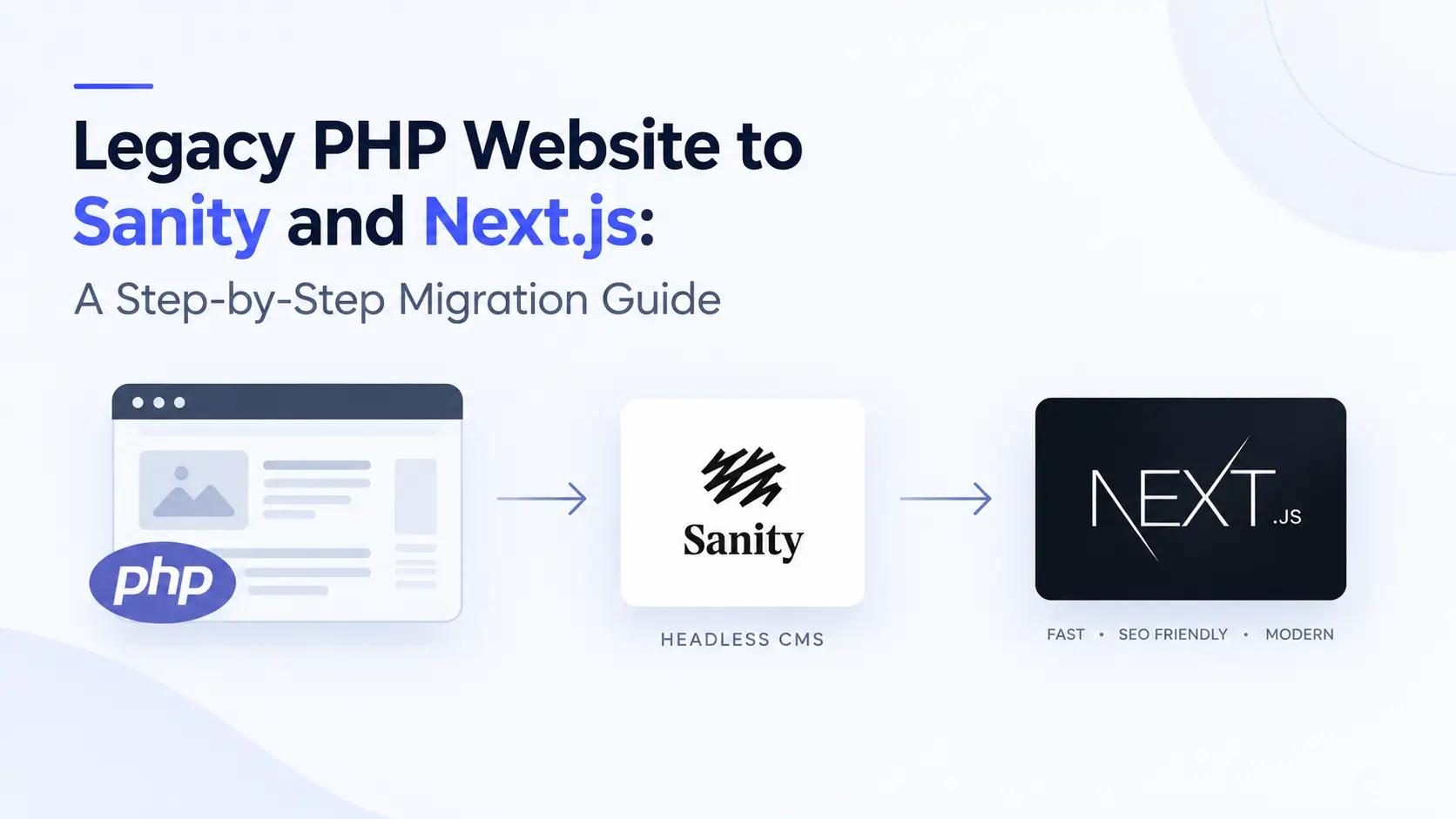
A legacy PHP website can run a business for years, until it can't. Pages load slowly, every content change needs a developer, and each plugin update risks breaking something. Migrating a legacy PHP website to Sanity and Next.js fixes these problems by separating your content from your frontend, so editors and developers stop blocking each other.
This guide is for business owners, marketers, and technical teams who want to understand how a PHP to Sanity migration works. You will learn the steps, the SEO risks, a realistic timeline, and the mistakes to avoid. If you plan to hire a team for Sanity development and Next.js development, it will also help you ask better questions.
Why Businesses Are Moving Away from Legacy PHP Websites
Legacy PHP sites usually fall behind in five areas:
Performance: server-rendered pages with heavy plugins or old libraries often score poorly on Core Web Vitals.
Security: unpatched PHP versions, outdated CMS cores, and abandoned plugins are common attack paths.
Content workflow: content and templates are tangled together, so editors depend on developers for simple layout changes.
Scalability: one monolithic codebase is hard to extend to apps, microsites, or new channels.
Hiring and maintenance: fewer engineers want to maintain old PHP code, and onboarding takes longer.
Count how many of these apply to you. Our post on 5 signs your website is already outdated covers more warning signs. If three or more apply, a headless CMS migration deserves a serious look.
Why Sanity and Next.js Work Well Together
Sanity is a headless CMS that stores content as structured data and serves it through APIs. Next.js is a React framework that turns that data into fast, SEO-friendly pages. Together they give you a flexible content backend and a high-performance frontend.
Sanity development gives you a customizable editing studio, real-time collaboration, structured content, and a query language called GROQ. Next.js development adds server-side rendering, static generation, image optimization, and incremental static regeneration (ISR), which keeps pages fast and fresh. For a deeper look at the CMS approach itself, read our guide on headless CMS vs traditional CMS.
Here is how the two setups compare:
| Area | Legacy PHP Website | Sanity + Next.js |
|---|---|---|
| Content structure | Mixed with templates and HTML | Structured, reusable content in Sanity |
| Page speed | Often slow; depends on server and plugins | Fast through static generation, CDN, and image optimization |
| Editing experience | Limited; developer help often needed | Custom Sanity Studio built around your team |
| Security | Larger attack surface (plugins, exposed database) | Smaller surface; frontend separated from the content API |
| Multi-channel use | Hard; built for one website | Same content can feed web, apps, and more |
| Scaling | Needs server upgrades | Scales through CDN and managed APIs |
| Developer experience | Older stack, harder to hire for | Modern React, TypeScript, and Git workflows |
Before You Start: Audit Your Existing PHP Website
Run a full audit before writing any code, because every missed page or feature becomes a launch-day problem. Check these four areas:
| Audit area | What to check | Tool or method |
|---|---|---|
| Content | Page types, posts, products, authors, categories, media files | Database export, site crawl |
| URLs | All live URLs, old redirects, query-string pages | Screaming Frog, XML sitemap, server logs |
| SEO | Titles, meta descriptions, canonical tags, structured data, top-ranking pages | Google Search Console, Google Analytics |
| Features | Forms, search, login areas, third-party integrations, tracking scripts | Code review, stakeholder interviews |
Also decide what to drop. Migration is the best moment to delete thin, duplicate, or outdated pages instead of carrying them over.
Step-by-Step PHP to Sanity and Next.js Migration Process
Once the audit is done, follow these seven steps.
Step 1: Plan Your Content Model in Sanity
Map each PHP page type to a Sanity document type, such as post, page, author, and category. Break content into fields (title, slug, body, image, SEO fields) instead of one large HTML block. A clean schema is the foundation of good Sanity development, so involve your editors early. Add SEO fields (meta title, description, Open Graph image) to every page type.
Step 2: Export and Clean Your Data
Export content from your MySQL database or CMS as JSON or CSV. Clean it first: fix broken HTML, remove inline styles, and standardize dates and slugs. Keep the old URL for every item, because you will need it for redirects.
Step 3: Transform and Import Content into Sanity
Write a script (Node.js works well) that converts old records into Sanity documents. Convert HTML bodies into Portable Text, Sanity's rich text format, using its block tools (for example, the htmlToBlocks helper). Save the output as NDJSON and load it with the Sanity CLI command sanity dataset import. Upload images to Sanity's asset pipeline and reference them from your documents. Always test the import on a separate dataset first.
Step 4: Build the Frontend with Next.js
Use the Next.js App Router with the next-sanity toolkit to fetch content through GROQ queries. Build reusable components for each content type. Use static generation with ISR or on-demand revalidation (triggered by Sanity webhooks), so pages stay fast and update soon after publishing. Use generateMetadata to output titles, descriptions, canonical tags, and Open Graph tags from your Sanity SEO fields. Add JSON-LD structured data where it applies. Our post on why Next.js is becoming the default for enterprise web applications explains the framework choice in more detail.
Step 5: Rebuild Features and Integrations
Replace old PHP features with modern equivalents: forms through API routes or a form service, search through a search provider, and logins through a dedicated authentication service. Rebuild only what your audit showed is still needed.
Step 6: Set Up Redirects and Test on Staging
Map every old URL to its new URL (see the SEO section below). Then crawl the staging site and compare it with your audit. Test Core Web Vitals, mobile layout, forms, redirects, structured data, and accessibility. Ask your editors to complete real tasks in Sanity Studio, such as publishing a post and updating a page.
Step 7: Launch and Monitor
Launch during a low-traffic period. Submit the new XML sitemap in Google Search Console and keep the old server available for a few days in case you need to roll back. Monitor 404 errors, indexing, rankings, and traffic for at least four to eight weeks, and fix issues quickly.
How to Protect Your SEO During a PHP to Sanity Migration
Most traffic drops after a migration come from broken URLs, lost metadata, or missed redirects, not from the new technology. Use this checklist:
| Task | Why it matters |
|---|---|
| Map every old URL to a new URL | Prevents 404 errors and keeps link equity |
| Use 301 (permanent) redirects in next.config.js or middleware | Tells Google the page has moved for good |
| Keep the URL structure where possible | Fewer redirects means less ranking risk |
| Migrate titles, meta descriptions, headings, and image alt text | Preserves on-page SEO signals |
| Keep canonical tags and add structured data | Avoids duplicates and supports rich results |
| Generate an XML sitemap and update robots.txt | Helps Google crawl the new site |
| Add noindex to the staging site | Avoids duplicate content problems |
| Monitor Google Search Console after launch | Catches crawl and indexing errors early |
If you have thousands of URLs, keep the redirect map as a JSON file or a Sanity document and load it at build time, instead of writing each rule by hand.


Hi, my name is Jaswinder, let's talk about your business needs.
I will do my best to find a reliable solution for you!
Common Mistakes to Avoid
Copying the old database structure 1:1. Design the Sanity schema around how editors work, not around old PHP tables.
Migrating everything without cleaning it. Old HTML, broken links, and duplicate pages follow you into the new site.
Forgetting redirects. Missing 301s are the most common cause of lost rankings.
Changing URLs without a reason. Every URL change adds risk, so change only what you must.
Ignoring the editors. If Sanity Studio is confusing, the team will not use it. Test it with real tasks.
Launching without a staging crawl. A full crawl before launch catches broken pages and missing metadata.
How Long Does a PHP to Sanity and Next.js Migration Take?
Timeline depends on site size and complexity. These ranges are approximate and will change after your audit:
| Project size | Example | Typical timeline |
|---|---|---|
| Small | Brochure site with under 50 pages | 4 to 6 weeks |
| Medium | Blog or corporate site with 100 to 1,000 pages and a few integrations | 8 to 12 weeks |
| Large | Ecommerce or enterprise site with custom features and multiple languages | 12 to 20+ weeks |
Cost depends on the same factors: number of content types, volume of content, custom features, design work, languages, integrations, and testing. Ask for a fixed scope after the audit, not before it.
Final Thoughts
Migrating a legacy PHP website to Sanity and Next.js is mostly a planning job. Audit first, model your content cleanly, protect your URLs, and test before launch. Do that, and you get a faster site, an easier editing experience, and a base that scales.
At RW Infotech, we offer Sanity development and Next.js development services for businesses moving off legacy platforms. If you want a migration plan for your website, talk to our team.
Frequently Asked Questions
Answers to the most common questions about migrating a legacy PHP website to Sanity and Next.js.
Yes. Keep URLs where possible, set up 301 redirects for any that change, migrate all metadata, submit the new sitemap, and monitor Google Search Console. Small ranking changes right after launch are normal and usually settle.
A small site takes about 4 to 6 weeks, a medium site 8 to 12 weeks, and a large or custom site 12 to 20 weeks or more. A proper audit gives the most accurate estimate.
The frontend is rebuilt in Next.js, but you can usually keep your content, URL structure, and much of your design. The backend changes from PHP to Sanity.
Content is exported, cleaned, converted to Portable Text, and imported into Sanity. Images are uploaded to Sanity's asset pipeline and linked to their documents.
Yes. Sanity Studio can be customized with clear forms and previews built around your team's workflow, so editors can update content without developer help.
Next.js supports server-side rendering, static generation, ISR, and image optimization, which help with speed and SEO. It also has strong tooling for working with Sanity.
Yes. A phased migration moves sections or routes one at a time while the rest of the site stays on PHP. This lowers risk on large sites but needs careful routing and redirect planning.
It depends on the number of content types, content volume, custom features, design work, languages, and integrations. A fixed quote is best given after a technical audit.